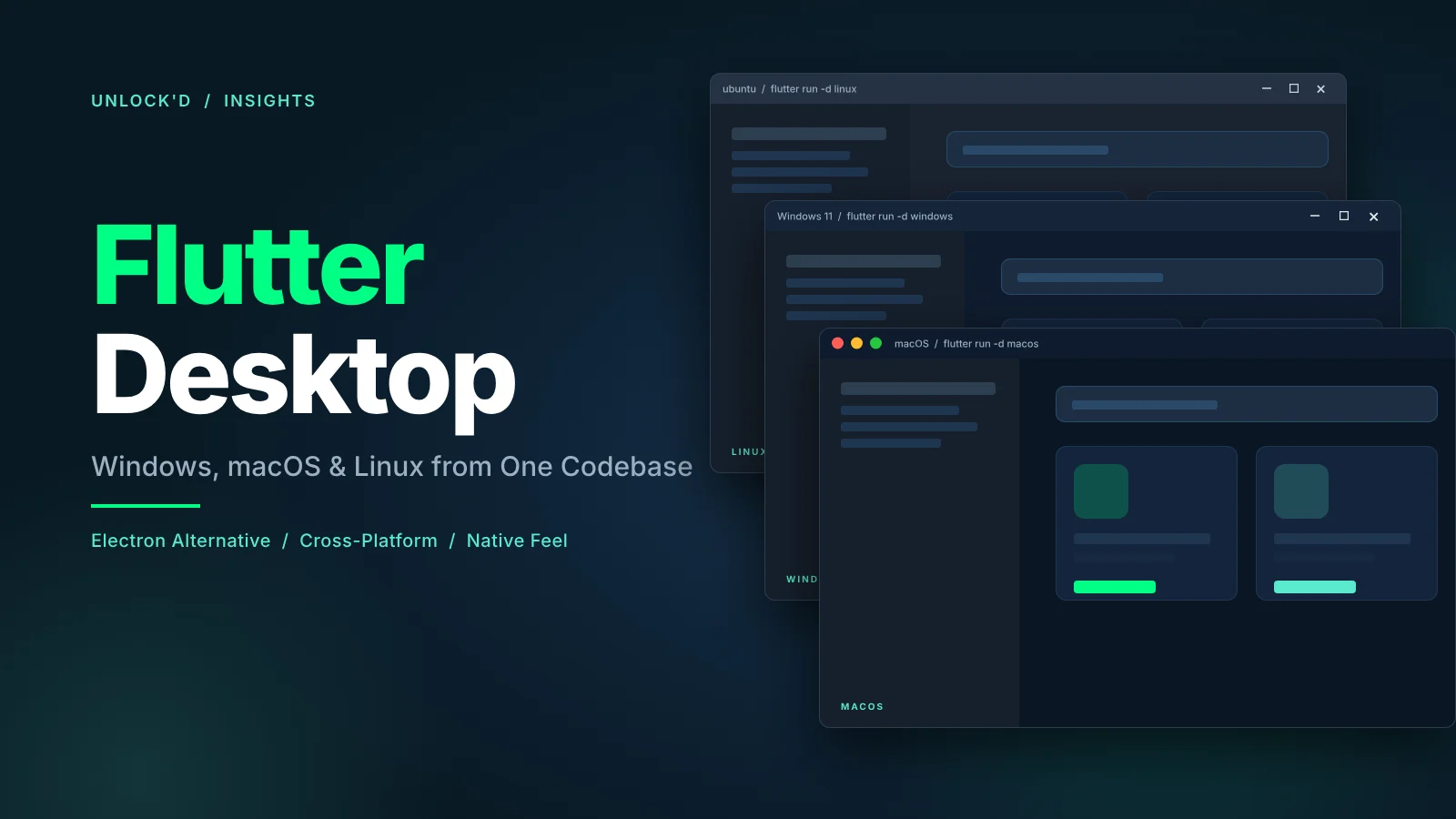

Every year, the same pattern plays out. A team needs a desktop app. They reach for Electron because everyone reaches for Electron. A month later they’re shipping a 180MB binary that eats 400MB of RAM to render a form and three tabs, and wondering why the app doesn’t feel like a Mac app on a Mac.
Electron is a default. It’s not always the right choice.
The short answer. Flutter is a mature option for cross-platform desktop app development. It ships a ~30MB base binary, renders its own UI through Skia or Impeller at 60 to 120fps, runs on Windows, macOS, and Linux, and shares code with iOS, Android, and web from the same Dart codebase. If you already use Flutter for mobile, desktop is the cheap extension. If you have a working Electron app, stay until you have a real reason to migrate.
What is cross-platform desktop app development?
Cross-platform desktop app development means building one codebase that runs on Windows, macOS, and Linux, instead of maintaining three native projects. The four options most teams evaluate today:
- Electron (Node and Chromium). Dominant ecosystem, biggest community, largest binaries.
- Flutter (Dart with Skia or Impeller). One codebase for mobile, web, and desktop.
- Tauri (Rust backend, system webview frontend). Small binary, newer ecosystem.
- Qt or native (C++, Swift, WinUI). Highest fidelity, highest cost.
Each trades differently on binary size, memory, feel, developer experience, and how native the result looks to the person actually using it.
Why Flutter for desktop (and why not)
Flutter reached stable on Windows in 2022 and on macOS and Linux in the same window. It is no longer experimental.
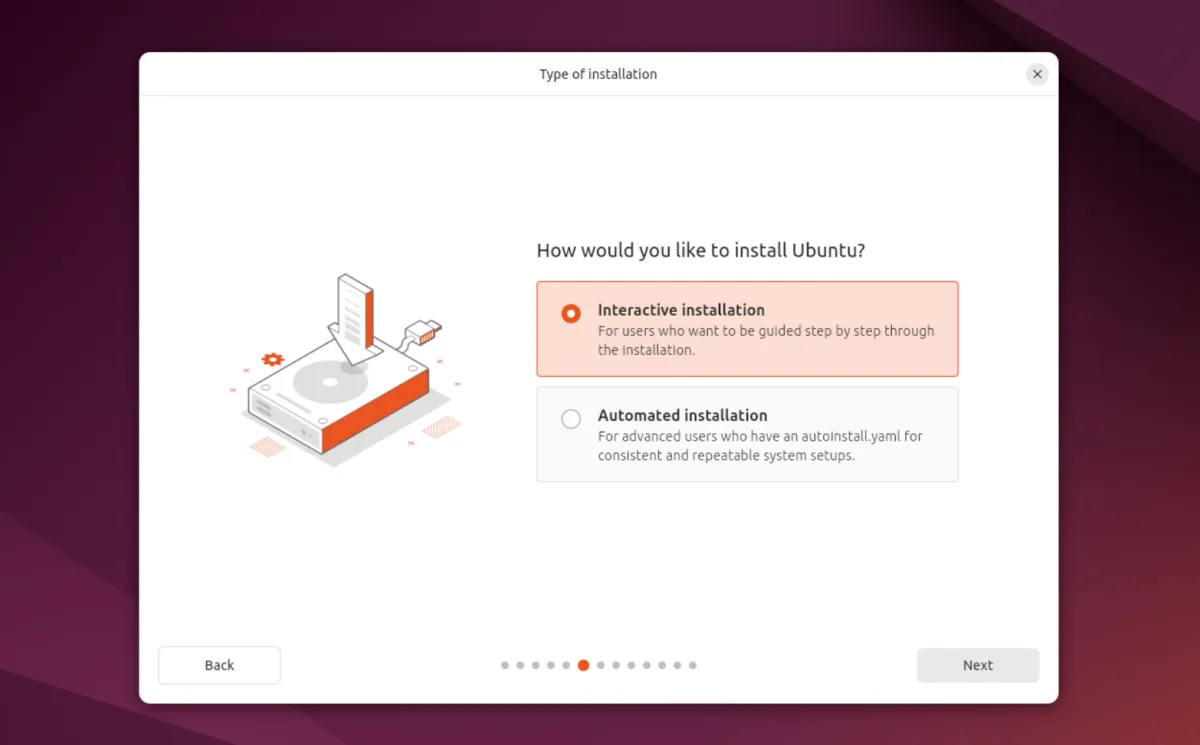
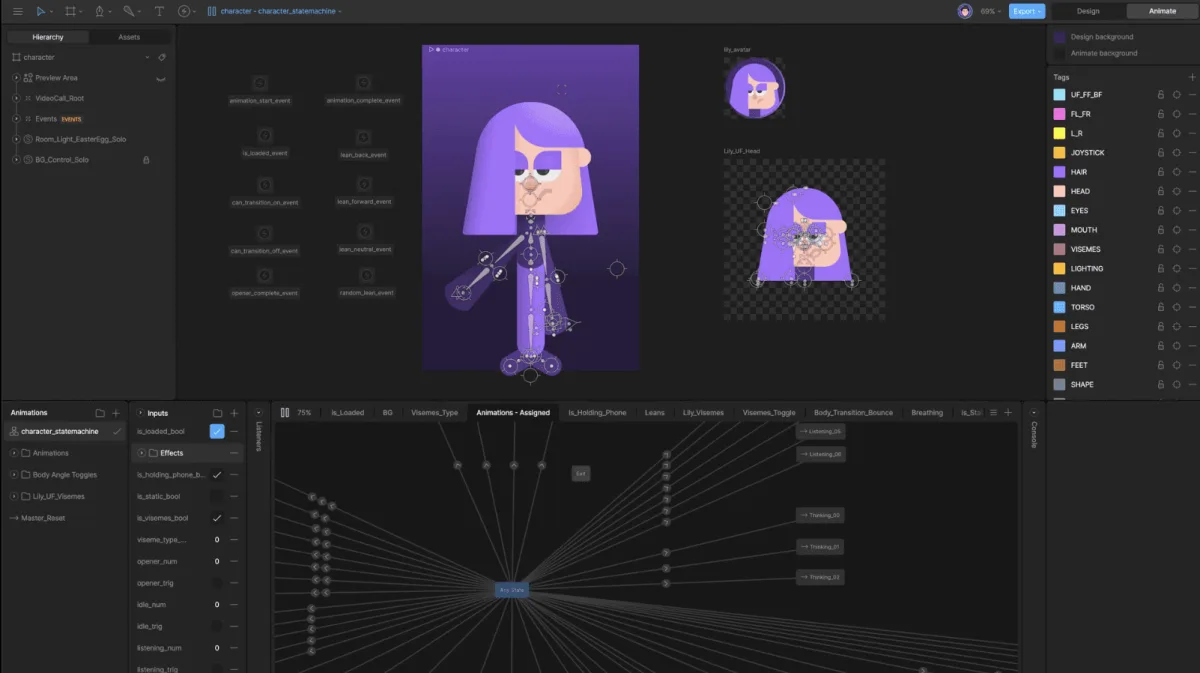

We’ve shipped Flutter desktop apps ourselves, including an exam monitoring tool for Karel de Grote University College that captures network packets, detects virtual machines, and enumerates hardware adapters on Windows, macOS, and Linux from one Flutter codebase. Our Flutter FFI insight walks through how that native integration actually works.
The things Flutter desktop gets right:
One codebase, every screen. A well-architected Flutter app runs on iOS, Android, Windows, macOS, Linux, and the web from the same widgets. Platform-specific code (menus, window management, shortcuts) lives in thin conditional layers. For a team that already ships Flutter mobile, adding desktop is weeks of work, not months.
Size and memory. The gap between Flutter and Electron isn’t theoretical. It shows up on disk, in RAM, and in the render pipeline.
The gap matters for IT teams deploying to locked-down Windows fleets and for users on older hardware. A 170 MB difference in binary size is the difference between “quick approval” and “denied by policy” in many enterprise environments.
Flutter’s gap to native is roughly 2x on binary and RAM. Its gap to Electron is closer to 5x. And where the 2x gap to native actually hurts (a render loop, an audio pipeline, a compression stage), dart:ffi lets you drop to C or Rust for that one hot path and keep everything else in Flutter. The cross-platform code-sharing story stays intact.
Feel. Flutter renders its own UI at 60 to 120fps through Skia or Impeller. Scroll, animation, and input latency feel native on mainstream hardware. You still have to match platform conventions (menus on macOS, right-click on Windows, Ctrl vs Cmd shortcuts) but the widget layer is fast enough that nothing feels like a web page in a window.
Native when you need it, Flutter everywhere else. “Cross-platform” in Flutter doesn’t mean “pure Dart.” Performance-critical hot paths don’t force you out of the framework. You drop into C or Rust through dart:ffi for the parts that need real native speed (image pipelines, audio DSP, packet capture, cryptography, hardware enumeration) and keep Flutter for everything around them: UI, state, navigation, and the cross-platform orchestration. The KDG exam monitoring tool linked above is exactly this pattern, with a Dart shell and a C hot path. Both ship from the same flutter build command. Platform channels (calling Swift, Objective-C, Kotlin, or C++) cover the higher-level OS APIs where FFI is overkill.
What “one codebase” actually looks like. The hello-world for Flutter desktop is the same as the hello-world for Flutter mobile:
import 'package:flutter/material.dart';

void main() => runApp(
  const MaterialApp(
    home: Scaffold(
      body: Center(child: Text('Hello, Desktop')),
    ),
  ),
);
Run it with flutter run -d macos, flutter run -d windows, or flutter run -d linux. That’s the entire entry point. Platform-specific code comes later, in thin conditional layers for menus, shortcuts, and window management.
The things Flutter desktop does not get right:
Not every package is desktop-ready. pub.dev has thousands of packages that target mobile and silently do nothing (or crash) on desktop. You will spend time checking each dependency’s platform support.
Accessibility lags native on Windows and Linux. Screen reader support on Windows and Linux is weaker than on iOS, Android, and macOS. For accessibility-first applications, test this before you commit.
Text input and IME. Asian-language input methods and some international keyboards still have sharp edges. Test with the locales your users actually type in.
Graphics-intensive and latency-sensitive workloads need a hybrid. CAD, digital audio workstations, real-time video editors, and game engines all have performance ceilings that a pure Dart pipeline won’t hit. Flutter is not a game engine and is not trying to be. But you don’t have to abandon Flutter for these apps either: the shell, UI, state, and cross-platform orchestration stay in Dart, and the render loop, DSP chain, or encoder pipeline drops to C or Rust via dart:ffi. Same flutter build, same cross-platform story, native performance where it matters.
When Flutter is the right choice for your desktop app
For everything in the productivity, operations, admin, creative tooling, and vertical SaaS lanes, Flutter desktop is the pragmatic default for new work.
Desktop-specific things you’ll actually wire up
A real Flutter desktop app ends up writing a handful of things that a Flutter mobile app doesn’t need:
Window management. Multi-window, window sizing, and window state persistence use packages like window_manager or bitsdojo_window. Both are mature.
Menu bar and keyboard shortcuts. Native menus use Flutter’s built-in PlatformMenuBar on macOS and equivalent APIs on Windows and Linux. The widget-level Shortcuts and Actions make keybindings composable across platforms.
File picker and drag and drop. file_picker and desktop_drop cover the common cases. Sandbox permissions on macOS need care.
Native integration through dart:ffi. For OS APIs without a Dart package, write a few lines of C or Rust and expose them through dart:ffi. This is the path we take when we need capability that isn’t already packaged.
Packaging and distribution. Windows uses MSIX or Inno Setup. macOS uses DMG with notarization. Linux uses snap, flatpak, or deb. Auto-update uses the auto_updater package or a custom implementation around your own update server.
Code signing and notarization. Every production desktop app needs both. Budget a day for the first time you do Apple notarization, less for the second.
The Electron migration question
Teams running Electron ask us whether they should migrate to Flutter. The honest answer is: it depends on which triggers you’re hitting. Migration cost is real and most working Electron apps don’t urgently need to move. But for teams that hit any of the signals below, the math flips and the cost of staying becomes higher than the cost of moving.
- Memory or binary size has become a deployment blocker. Windows fleet policies, customer complaints about RAM, field deployments on old hardware. If the footprint is losing you deals or generating support tickets, that’s a trigger.
- You’re planning a Flutter mobile or web version of the same product. Once cross-platform code sharing is on the roadmap, every month spent maintaining two stacks is cost you don’t need to carry.
- You’ve measured a performance or feel gap Electron can’t close. Not a hunch. Input latency, animation smoothness, startup time, measured against the native baseline your users expect.
- Your team is spending sprints keeping Electron alive. Chromium version bumps, security patch cycles, dependency churn. If maintenance is eating feature work, that counts too.
If one or more of these hit you, the next questions are how much of the existing app can be reused, which platform-specific pieces need rebuilding, and what the realistic timeline looks like. That’s a conversation, not a formula, and it’s the same one we walk through with teams considering React Native to Flutter migration. Our legacy migration service covers the full discovery and delivery path for teams that have decided it’s time.
Key takeaways
Electron is a default, not a decision. Most teams reach for it because everyone does. That’s fine when it’s the right answer. It often isn’t.
Flutter desktop is production-ready today. Windows, macOS, and Linux, with flagship deployments at Canonical and real apps at agencies like ours. The platform has matured past the experimental label.
The biggest leverage is code sharing. If you already ship a Flutter mobile app, adding desktop is a few weeks. If you ship desktop first, adding mobile and web later is just as cheap. Electron gives you desktop only.
Migrate on triggers, not on principle. Working Electron apps don’t urgently need to move. When memory, binary size, feel, maintenance burden, or cross-platform code sharing becomes a real blocker you can point at, it’s time to talk.
The honest lane. Productivity tools, admin consoles, internal operations dashboards, hardware companions, vertical SaaS clients, and creative tooling (Rive builds theirs on Flutter). Flutter desktop fits. For graphics-intensive workloads like CAD, real-time video, and digital audio, Flutter still handles the shell and dart:ffi drops you to C or Rust for the heavy lifting. See our Flutter FFI insight for how the hybrid pattern actually ships.
Picture a small team that shipped a Flutter mobile app last year. This quarter they need a desktop companion. Not a rebuild, not a second team, not a new framework. They extract the business logic into a package, add a desktop entry point, wire up the menu bar, and ship. A week later the Windows version runs on the CEO’s laptop and the macOS version runs on the designer’s iMac. That’s what cross-platform desktop app development looks like when the framework stops being in the way.
Thinking about Flutter for your desktop app?