
Most Flutter apps never need native code. Dart handles networking, state management, UI rendering, and even cryptography without dropping to C. But sometimes you hit a wall: the OS API you need has no Dart binding, the library you need is written in C, or the performance budget is measured in microseconds.
We hit that wall building an exam monitoring tool for Karel de Grote Hogeschool. The app had to capture network packets in real time, detect virtual machines, and enumerate hardware adapters, all on Windows, macOS, and Linux. None of that is possible in pure Dart.
This is how we used Flutter’s Foreign Function Interface (FFI) to bridge the gap.
What Flutter FFI Actually Is
FFI stands for Foreign Function Interface. It lets Dart call functions in compiled native libraries (.so on Linux, .dylib on macOS, .dll on Windows) directly, without platform channels or message serialization.
The key difference from platform channels: FFI is synchronous and runs in the same memory space. There’s no message encoding, no async bridge overhead, no waiting for the platform thread. You call a C function from Dart the same way C calls C.
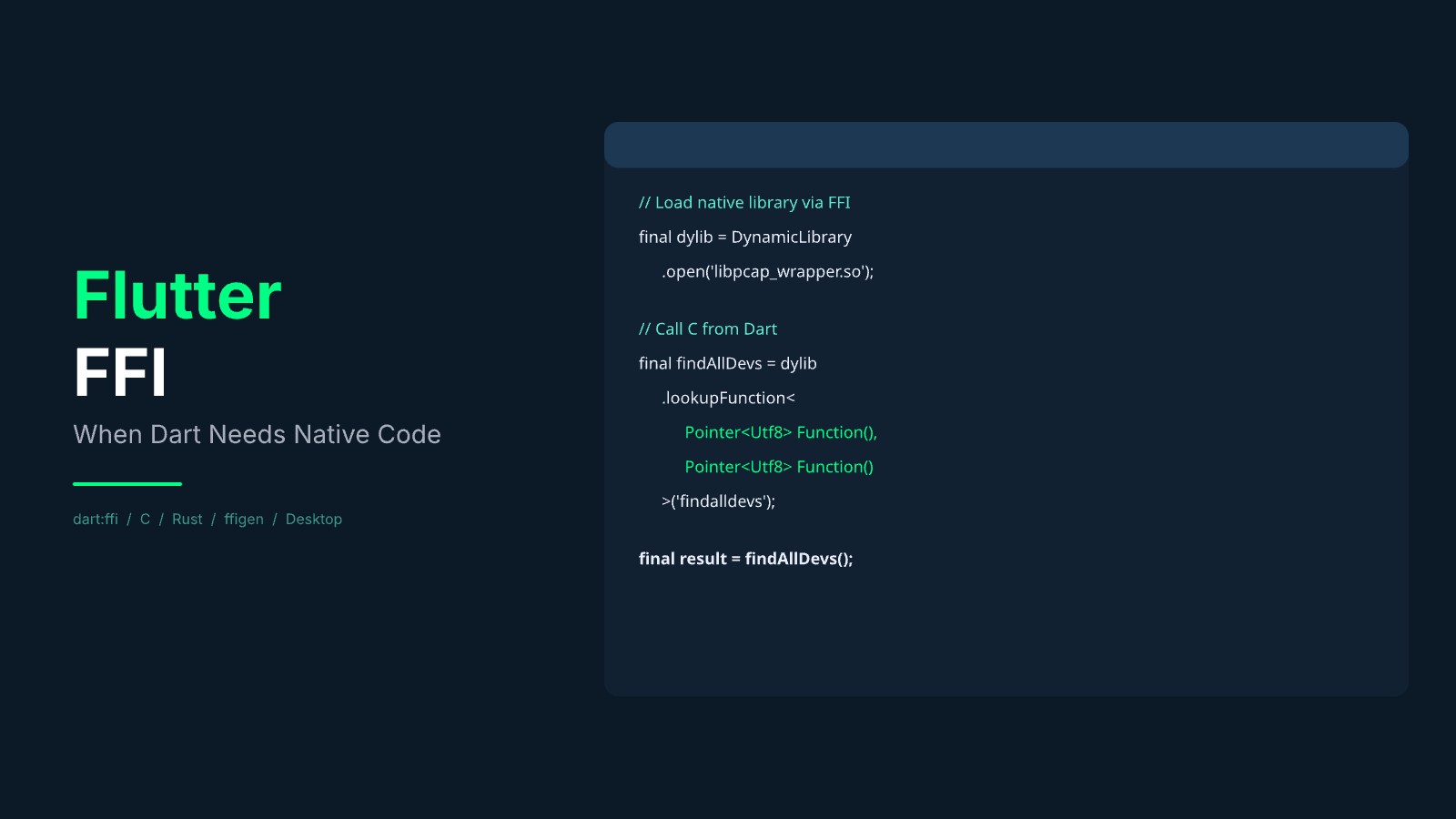
// Load the compiled library
final dylib = DynamicLibrary.open('capture_wrapper.so');

// Look up a function by its C name
final findAllDevs = dylib.lookupFunction<
  Pointer<Utf8> Function(),  // C signature
  Pointer<Utf8> Function()   // Dart signature
>('find_all_devices');

// Call it
final result = findAllDevs();
That’s it. No platform channel boilerplate, no MethodChannel, no registering handlers.
Why We Needed Native Code
The KDG exam monitor watches student machines during exams. Instructors need to know if a student connects to an unexpected network, enables Bluetooth, opens a VM, or launches a prohibited application. All activity is encrypted and logged locally for later review.
Three capabilities required native code:
1. Real-time packet capture. Dart has no packet-capture API. Reading traffic off an interface needs kernel-level access that Dart’s networking layer doesn’t expose. We wrapped a mature C capture library behind an FFI boundary.
2. Virtual machine detection. Telling whether the app is running inside VMware, VirtualBox or Hyper-V relies on signals the Dart runtime cannot see. We wrapped a C++ detection library and exposed a single typed call.
3. Network adapter enumeration. Listing physical and virtual network adapters with their hardware details requires OS-level APIs that Dart doesn’t surface.
The Architecture
Each native capability lives in its own Dart package with a clean boundary:
exam_monitor (Flutter app)
  ├── capture_wrapper (Dart FFI package)
  │     ├── src/capture_wrapper.c      ← wraps the C capture library
  │     ├── src/capture_wrapper.h      ← header for ffigen
  │     └── lib/capture_wrapper.dart   ← auto-generated bindings
  │
  └── vm_wrapper (Dart FFI package)
        ├── src/vm_wrapper.cpp         ← wraps the C++ detection library
        ├── src/vm_wrapper.h
        └── lib/vm_wrapper.dart
The Flutter app never touches raw pointers. Each wrapper package exposes typed Dart APIs. The native code is compiled per-platform using CMake (Linux/Windows) and CocoaPods (macOS).
Auto-Generating Bindings with ffigen
Writing FFI bindings by hand is tedious and error-prone. We used package:ffigen to generate them from C header files.
You define your C functions in a header:
// capture_wrapper.h
const char* find_all_devices(void);
intptr_t init_dart_api(void* data);
void run_capture(int64_t send_port, const char* device);
int get_packet_count(void);
Add an ffigen config to your package:
# ffigen.yaml
name: NetworkActivityBindings
output: lib/src/capture_wrapper_bindings_generated.dart
headers:
  entry-points:
    - src/capture_wrapper.h
Run dart run ffigen, and you get type-safe Dart bindings with correct pointer types, struct layouts, and function signatures. When the C API changes, regenerate.
The Isolate Problem
Packet capture is a blocking operation. The capture library’s read loop sits in a tight cycle pulling from the kernel buffer and calling your handler for each packet. If you call that from the main Dart isolate, the UI freezes.
The solution: run the capture in a separate Dart isolate and use the Dart Native API to post results back.
// In C: post each captured packet back to Dart
static Dart_Port_DL g_send_port;

void run_capture(int64_t send_port, const char* device) {
    g_send_port = (Dart_Port_DL) send_port;
    // Open the device and loop, calling packet_handler per packet
}

static void packet_handler(unsigned char *args,
    const struct capture_pkthdr *header,
    const unsigned char *packet) {

    // Parse the packet (extract IPs, ports, protocol)
    // ...

    // Send to Dart via the native port
    Dart_CObject obj;
    obj.type = Dart_CObject_kString;
    obj.value.as_string = packet_info;
    Dart_PostCObject_DL(g_send_port, &obj);
}
// Initialize the Dart native API once, before spawning
initDartApi(NativeApi.initializeApiDLData);
final receivePort = ReceivePort();
// Hand the native side the port's int64 id, not the SendPort object
final nativePort = receivePort.sendPort.nativePort;
await Isolate.spawn((int port) {
// Blocking capture, runs until stopped
runCapture(port, 'eth0');
}, nativePort);
// Packets arrive as messages on the receive port
receivePort.listen((packet) {
// Update UI, write to encrypted log
});This pattern, native blocking call in an isolate with message-passing back to the main isolate, is reusable for any long-running native operation.
Need FFI help?
Platform-Specific Build Setup
Each platform compiles the native code differently.
Linux (CMake):
add_library(capture_wrapper SHARED "src/capture_wrapper.c")
find_library(CAPTURE_LIB NAMES capture)
target_link_libraries(capture_wrapper PRIVATE ${CAPTURE_LIB})
macOS (CocoaPods):
Pod::Spec.new do |s|
  s.source_files = 'src/**/*.{c,h}'
  s.frameworks = 'SystemConfiguration'
  s.libraries = 'capture'
end
Windows (CMake + vendor SDK):
add_library(capture_wrapper SHARED "src/capture_wrapper.c")
target_include_directories(capture_wrapper PRIVATE "${CAPTURE_SDK}/Include")
target_link_libraries(capture_wrapper PRIVATE "${CAPTURE_SDK}/Lib/x64/capture.lib")
The Flutter plugin system handles bundling the compiled libraries into the app. You declare FFI support in pubspec.yaml:
flutter:
  plugin:
    platforms:
      linux:
        ffiPlugin: true
      macos:
        ffiPlugin: true
      windows:
        ffiPlugin: true
Build Hooks: The Newer Approach
Since Dart 3.10 and Flutter 3.38, the package:hooks and package:code_assets system (build hooks and code assets) can automate native library compilation. Instead of manually configuring CMake per platform and declaring ffiPlugin: true, you write a hook/build.dart file that describes how to compile your native code. Dart’s build system then handles compilation, linking, and bundling automatically across all platforms.
For the KDG project, we used the manual CMake/CocoaPods approach because build hooks were still experimental when we started. For new projects they are the recommended path if your build requirements are straightforward.
What About Rust?
Rust is a strong alternative to C for FFI work. The flutter_rust_bridge package generates bindings automatically, handles memory management, and gives you Rust’s safety guarantees.
We chose C for the KDG project because the libraries we wrapped are already C and C++. Adding a Rust layer between Dart and them would have been unnecessary indirection.
Use Rust when you’re writing the native code from scratch. The memory safety, error handling, and tooling are worth the extra build complexity. Use C when you’re wrapping an existing C library.
Either way, ffigen (for C) and flutter_rust_bridge (for Rust) mean you rarely write binding code by hand.
When to Use FFI vs Platform Channels
| FFI | Platform Channels | |
|---|---|---|
| Speed | Synchronous, same-process | Async, message-passing |
| Use case | C/C++/Rust libraries, performance-critical | Platform SDK APIs (Swift, Kotlin) |
| Memory | Manual (or Rust-managed) | Automatic |
| Desktop | First-class support | Works but less common |
| Complexity | Higher (pointers, memory) | Lower (encoded messages) |
For the KDG project, platform channels would have been impractical. Serializing raw packet data through the standard binary codec, sending it across a message channel, and decoding it on the other side would have added latency we couldn’t afford and complexity we didn’t need.
Key Takeaways
Don’t reach for native code by default. Dart is fast enough for most things. FFI adds build complexity, platform-specific code, and memory management concerns.
When you do need it, isolate it. Wrap each native capability in its own Dart package. Keep the FFI boundary small and typed. Let ffigen or flutter_rust_bridge generate the boilerplate.
Use isolates for blocking calls. Never call a blocking native function from the main isolate. The isolate + Dart Native API pattern keeps the UI responsive.
Test on all target platforms early. Build systems differ across Linux, macOS, and Windows. The sooner you verify your CMake/CocoaPods setup compiles on all three, the fewer surprises at release time.
We’ve shipped production Flutter apps with native integrations for packet capture, real-time auction systems, and BLE hardware protocols. If your project needs to go beyond what Dart offers out of the box, we’ve been there.
Need to go beyond what Dart offers out of the box?