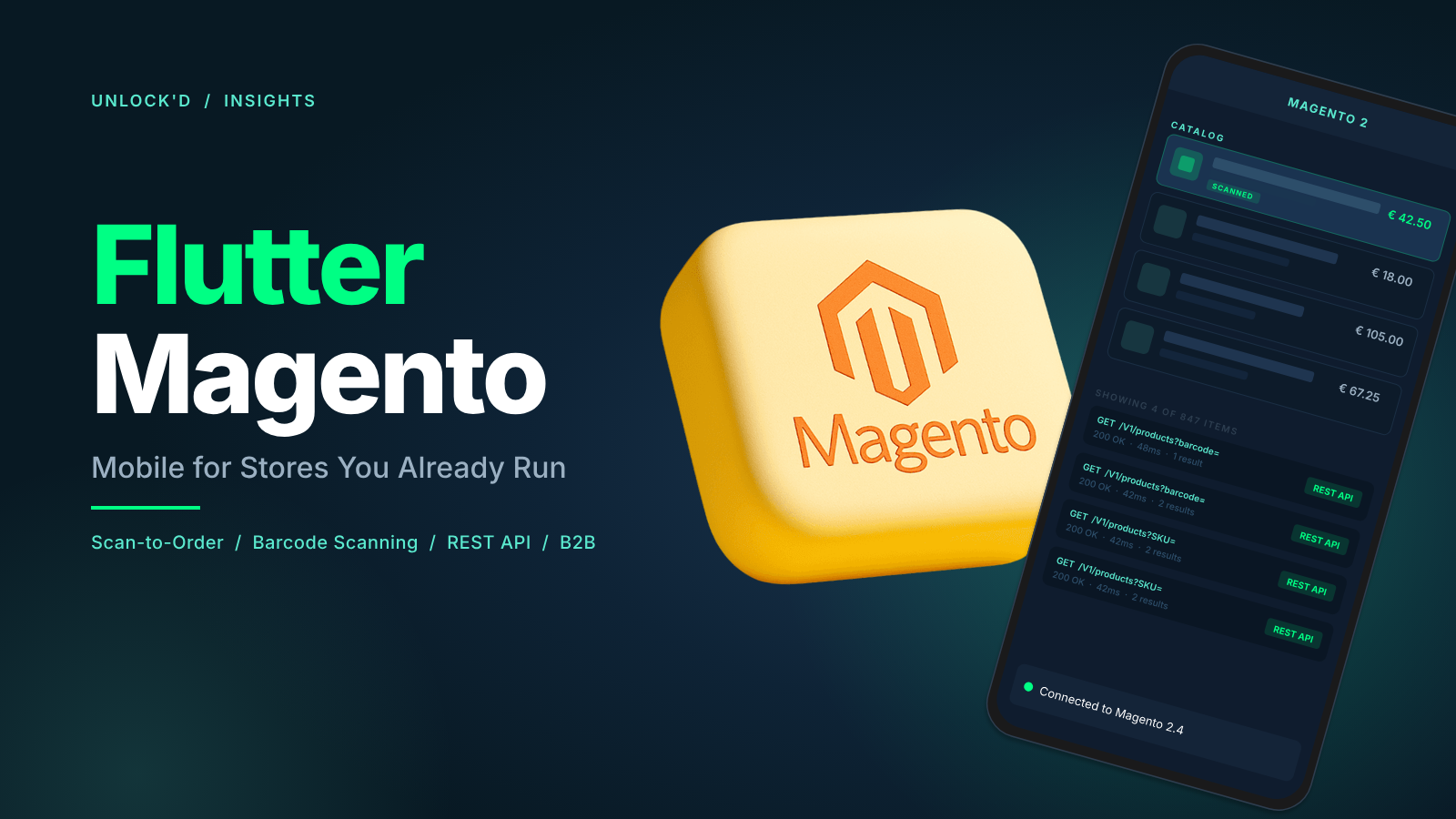

You already invested in Magento: catalogues, integrations, checkout, and the team that runs it. A mobile app should extend that investment, not restart it in another stack. A full replatform typically runs six months or more and forces your team to relearn its own business rules. The path we describe here takes about six weeks and leaves your Magento backend untouched.
The question most Magento teams ask us isn’t whether Flutter can talk to Magento. It can. The real question is which path gets value to users fastest, and what a sensible roadmap looks like after launch.
The fastest path for many Magento B2B teams is a native scan-to-order app in about six weeks: scan, verify price and stock, build a basket in Flutter, then finish checkout in the Magento experience your customers already use.
Fastest path: scan-to-order with our mobile scanner
For wholesale, construction supply, and other scan-first workflows, the most direct route is to connect Magento to our custom mobile scanner module.
In a typical six-week engagement you get:
- Barcode scanning tuned for warehouse and field use (camera-based; optional support for industrial scanners where needed).
- Live product lookup against Magento so price and stock match the webshop.
- A native basket in Flutter for speed and clarity on small screens.
- Handoff to your existing Magento checkout so payments, tax, shipping rules, and B2B terms stay exactly where your finance and operations expect them.
That is a complete vertical slice: reordering without retyping SKU codes, with Magento still authoritative for commerce logic.
Six weeks assumes your APIs and authentication are in reach of a standard integration. Custom modules, non-standard carts, or complex company hierarchies may add scoping time, but the shape of the delivery stays the same.
We took this exact path with Santens: a Flutter scan-to-order app for construction professionals connected to their Magento webshop via our Scan 2 Order module, with real-time product and stock sync and a smart handoff to the Magento checkout they already use.
After launch: native features, web-backed features, or both
The scan-to-order base is deliberately focused. Once it is live, most teams grow the app in one or more directions:
Native in Flutter
- Product listing or compact catalogue filtered for mobile.
- Offline behaviour: cached SKU data, queued lines, sync when connectivity returns.
- Order overview: status, history, repeat buys, driven by Magento order APIs where you expose them.
- Push notifications for back-in-stock, cut-offs, or account messages.
Web-backed inside the app
- Full marketing pages, campaigns, and long-tail catalogue depth without rebuilding every screen natively.
- Complex configurators or checkout edge cases you prefer to keep on the site.
Neither path invalidates the other. Many products start scanner-first, then add native slices where speed matters and open web views where the website already wins.
How Flutter connects to Magento
Flutter calls your Magento instance over HTTPS, usually REST for scan and cart flows and GraphQL when a single flexible query beats many REST round trips for rich product screens.
Authentication typically uses the same concepts as your web channel: customer or company tokens, OAuth where required, and rules your Magento partner already configured. The app doesn’t bypass your B2B or pricing logic; it consumes the APIs that encode it.
The integration point that matters most for hybrid and scanner apps alike is cart handoff: the app assembles the cart via API, then opens Magento checkout with a matching session so the customer finishes where they trust.
Magento B2B, extensions, and the rest of your stack
If you run MageB2B, those capabilities (company accounts, shared carts, quotes, requisition lists) surface through Magento’s APIs and the customisations your implementation partner controls. A Flutter app reads the same contracts: company scope, allowed products, and negotiated prices follow server rules.
The same idea applies to third-party B2B suites and modules (ordering portals, punchout bridges, ERP-facing extensions): if the behaviour is reachable via authenticated API calls or web URLs your app can open, we can map it into the mobile experience. Where something is only available inside a legacy web UI, we either wrap that flow thoughtfully or work with your Magento team to expose a clean endpoint.
ERP and PIM integrations that already feed Magento don’t need a second mobile integration for basic product truth; the app trusts Magento as the edge.
Flutter vs Magento PWA Studio
Adobe’s answer to the mobile question is PWA Studio: a React-based storefront that sits in front of Magento and ships as a progressive web app. It’s a reasonable pick for teams already staffed in React who want a single web-shaped front end. Where it tends to struggle is everywhere the app has to leave the browser: native device features, Bluetooth and hardware scanners, serious offline behaviour, background sync, push notifications that survive app kill.
Flutter flips that trade-off. You get a native app on iOS, Android, and optionally Windows, macOS, and Linux from one codebase, with native access to the camera, BLE, filesystem, and background tasks. Magento stays the backend in both cases: the same REST and GraphQL APIs, the same auth, the same checkout. The question is where you want the presentation layer to live and what device-level capabilities your users actually need.
For scan-to-order, field sales, warehouse reordering, and any B2B workflow where the app must work reliably on a phone in a workshop or a van, Flutter wins comfortably. For a primarily browsing-and-checkout experience with low native-feature demands, PWA Studio stays competitive.
Practical next steps
Start from workflow, not from a feature laundry list. If your users scan and reorder, the six-week scanner path is the credible first milestone. If they mostly browse consumer-style, a hybrid shell is often the better opening move.
Align early with your Magento partner on which APIs and auth paths are supported for mobile, especially for B2B company context, so we’re not discovering blockers after design is fixed.
Plan increments. Scanner MVP, then native catalogue or orders, then push or offline depth, keeps each release shippable and measurable.
For platform detail and services, see e-commerce development and our scanner module overview.
Running Magento today? Book a 30 min fit check and we'll tell you whether the six-week path works for your instance.